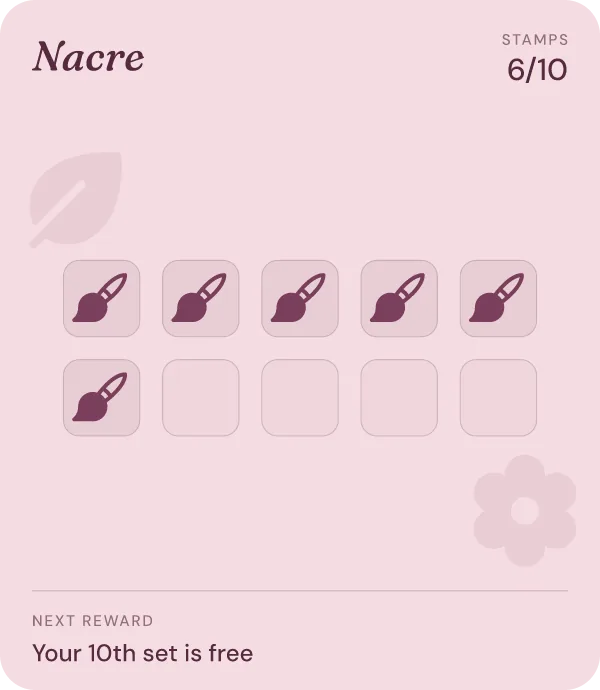
Stamps
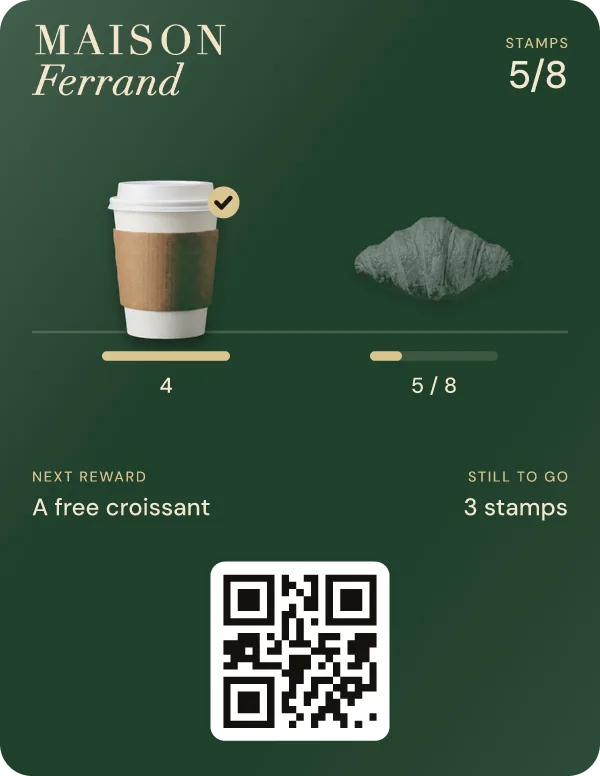
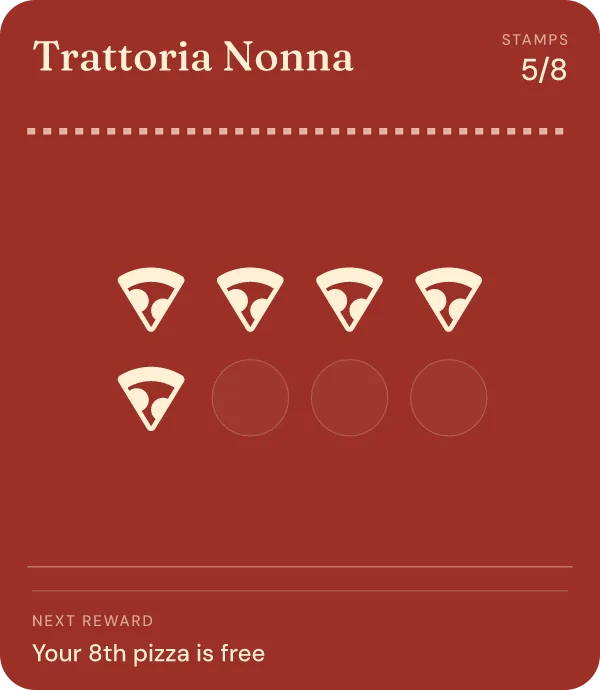
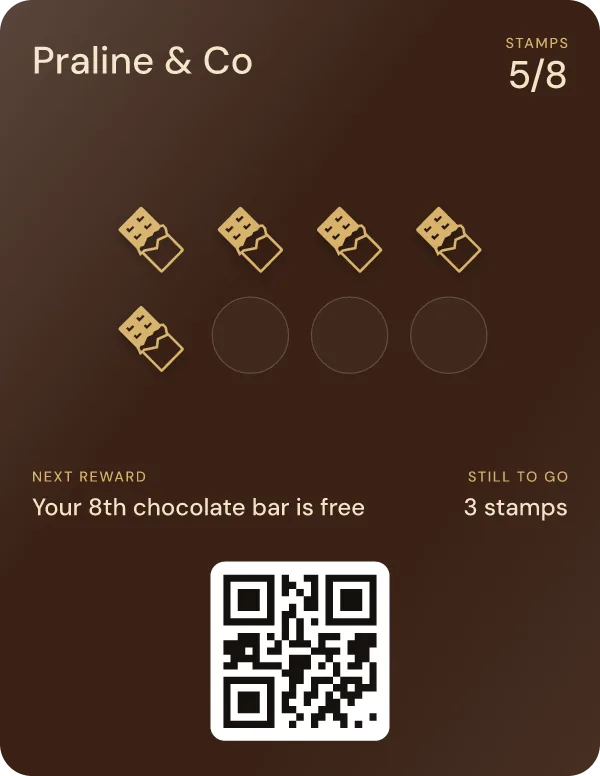
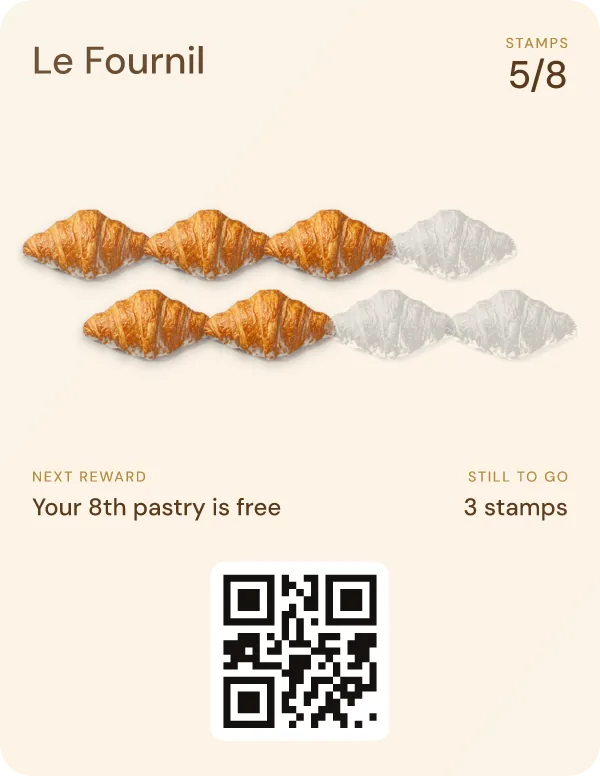
One stamp per visit, a reward at the end.
The classic punch card, without the cardboard: ten coffees, the eleventh free. Best when every visit looks about the same.
Loyalty card maker
Updated
Pick a template, put your name, colors and rewards on it, and watch the card change as you go. It lives in Apple Wallet and Google Wallet, so your customers have nothing to install.
Design my card See the templates
Free to design and to test on your own phone, no payment card. Then 30 days free with your customers.


Sign up with your email, give your shop's name and trade, then pick a template: stamps, several rewards or points. You adjust the rewards, layout, color and logo while the preview follows, and you add the finished card to your own phone. Up to there, it costs nothing and no payment card is asked for. To hand the card to customers, you start the 30-day free trial: a payment card is required for that, and nothing is charged before it ends.
A digital loyalty card, or digital punch card, is a pass in Apple Wallet or Google Wallet that you stamp by scanning it at the counter. Your customers add it with one scan, without an app or an account.
3 templatesStamps, several rewards or points, two designs each, already in your shop's name.
Both walletsThe same card in Apple Wallet and Google Wallet, with a web card for everyone else.
€0 to designNo payment card to design it and try it on your phone.
Pick a template
These are the three types offered on the second screen of signup, drawn exactly as the app draws them. You can switch type later, in the card editor.
One stamp per visit, a reward at the end.
The classic punch card, without the cardboard: ten coffees, the eleventh free. Best when every visit looks about the same.
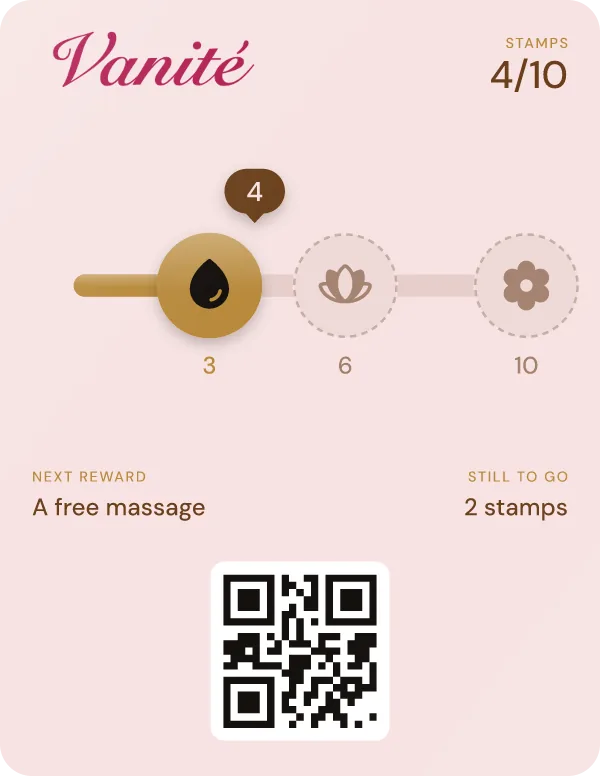
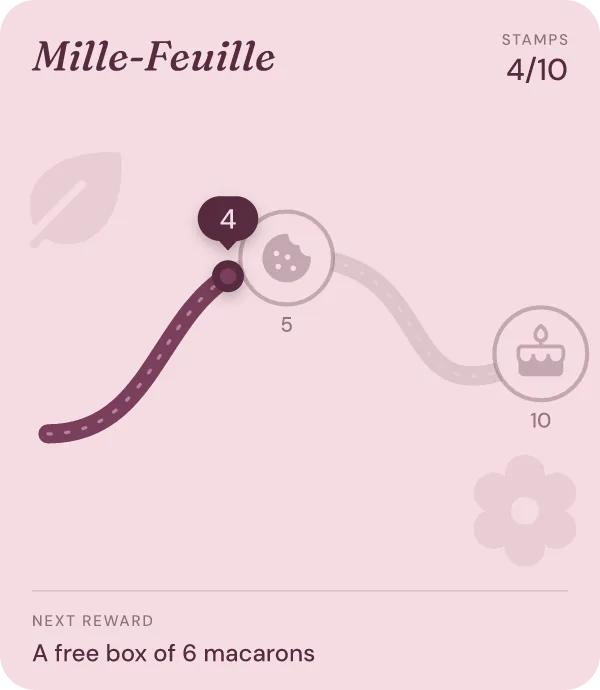
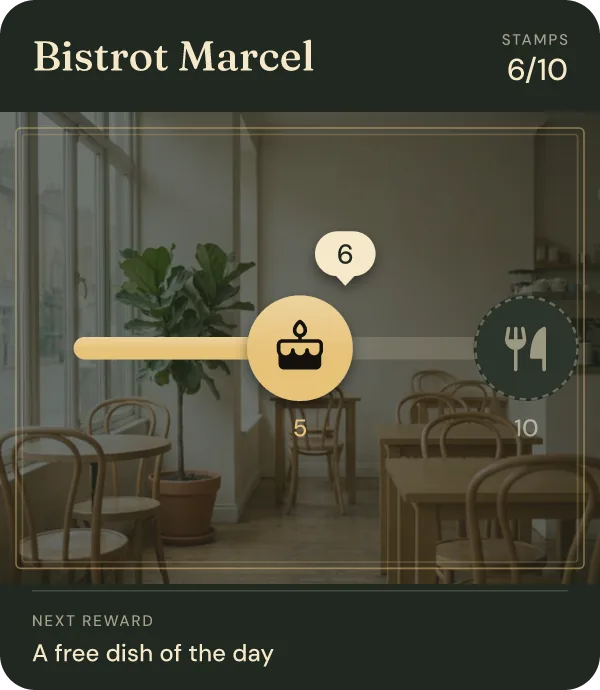
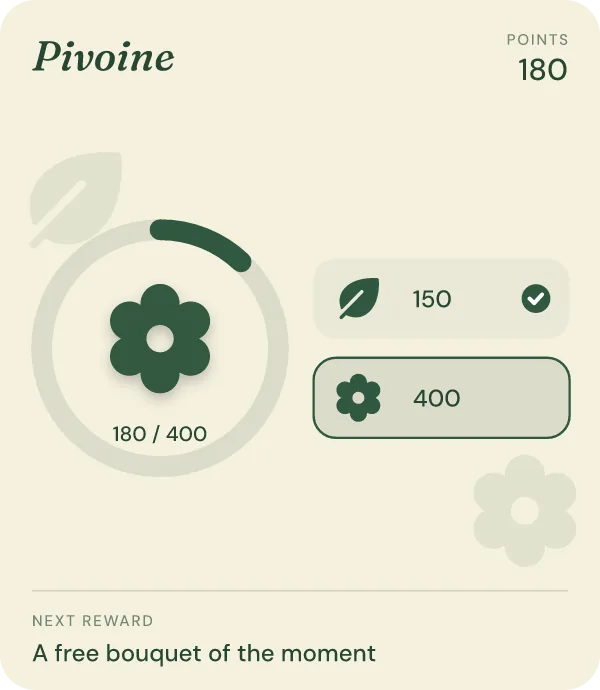
A small reward early, a better one later.
A first treat at the fourth visit, a bigger one at the tenth. It gives new customers a reason to come back quickly.
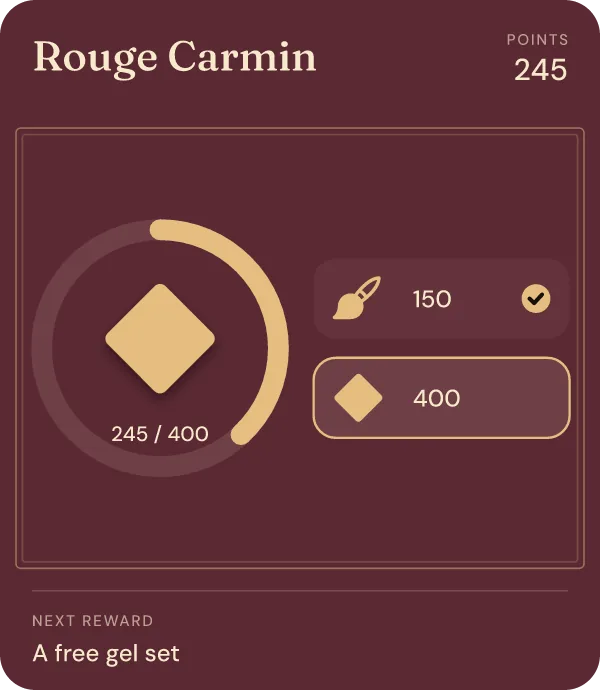
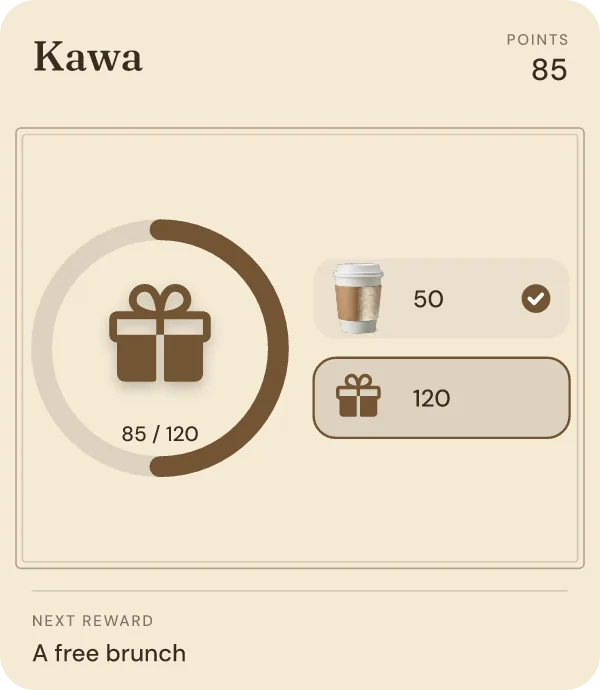
Based on spend, for orders that vary.
Points per purchase or per amount spent, and rewards at the thresholds you choose. Fair when one order is $5 and the next is $60.
Start with my template You choose the type on the second screen, already in your shop's name.
Examples
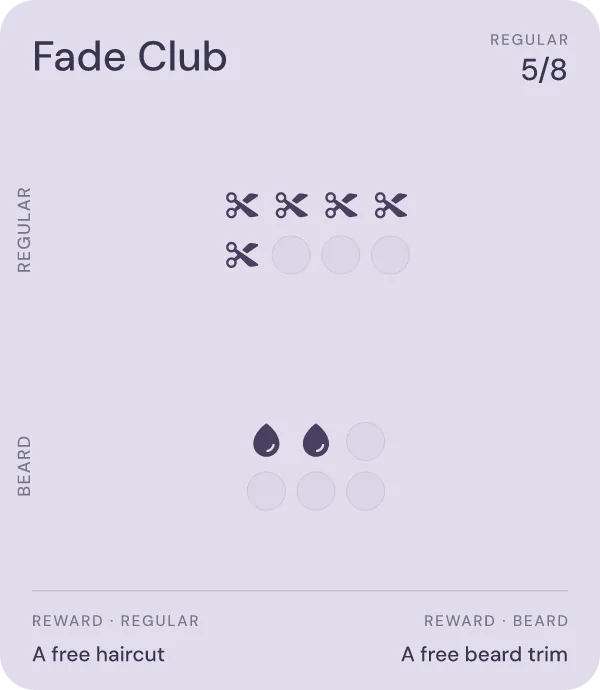
Every card below comes out of the app's own renderer, the one that builds your customers' passes. The shops are examples; the designs are the ones you start from.


Every image, icon and color can be swapped for your own: your logo, your photos, your rewards.
How it works
Your name, your trade, and your logo if you have one handy. We prepare ready-made cards in your name and with your logo's colors.
Stamps, several rewards or points, two designs each. Change the rewards, the layout, the color and the logo: the preview follows every edit.
Scan the code and the card lands in Apple Wallet or Google Wallet. Give it a first stamp and see the notification your customers will get. When you are ready, start your 30 free days.
No fine print
The account, the templates, every adjustment and the live preview. No payment card asked.
Your test card in your own Apple Wallet or Google Wallet, and a first stamp to see it work.
Every Growth feature, with real customers. A payment card is required to start, unless a shop already on StampyWallet invited you. Nothing is charged during the trial.
Essential is $29 a month before tax in the US (£19 in the UK, €20 in Europe), with unlimited customers. Cancel in one click; the cards already handed out keep working.
The questions we get
No. Designing your card and testing it on your phone are free, and the first 30 days with customers are free too. After that, Essential is $29 a month before tax in the US (£19 in the UK, €20 in Europe), with unlimited customers and cards. A free plan capped at a few dozen customers would one day force you to choose between paying and losing customers.
No. You create your account, design your card and add it to your own phone without entering a payment card. The card is asked for when you start the 30-day trial with customers, unless a shop already on StampyWallet invited you. Nothing is charged during the trial.
Stamps if every visit looks about the same (a coffee, a haircut). Several rewards if you want new customers to get something early. Points if your orders vary a lot in amount. You can change type later in the card editor.
Yes. Your logo goes on the card and its colors are offered as swatches. You can add a photo to each reward during signup, and the card editor then lets you set a photo background, your own stamp and the details on the back of the card.
No. They scan a QR code at your counter or open your link, and the card goes into Apple Wallet or Google Wallet, already on their phone. No app, no account. Without a wallet, the same card opens in the browser.
Yes, at any time, from the card editor in your account: rewards, colors, logo, layout, the back of the card. Your customers keep their stamps.
Pick a template, adjust it, add it to your phone. You only decide about the 30 free days once you have seen it in your own wallet.
Open this site in your browser
The demo card and Google sign-in don’t work inside this app.
Open in browser