Apple Wallet vs Google Wallet for loyalty cards: what's different
Published · Updated
How Apple Wallet and Google Wallet handle loyalty cards: adding the card, updates, notification limits, location, and Apple Wallet on Android.
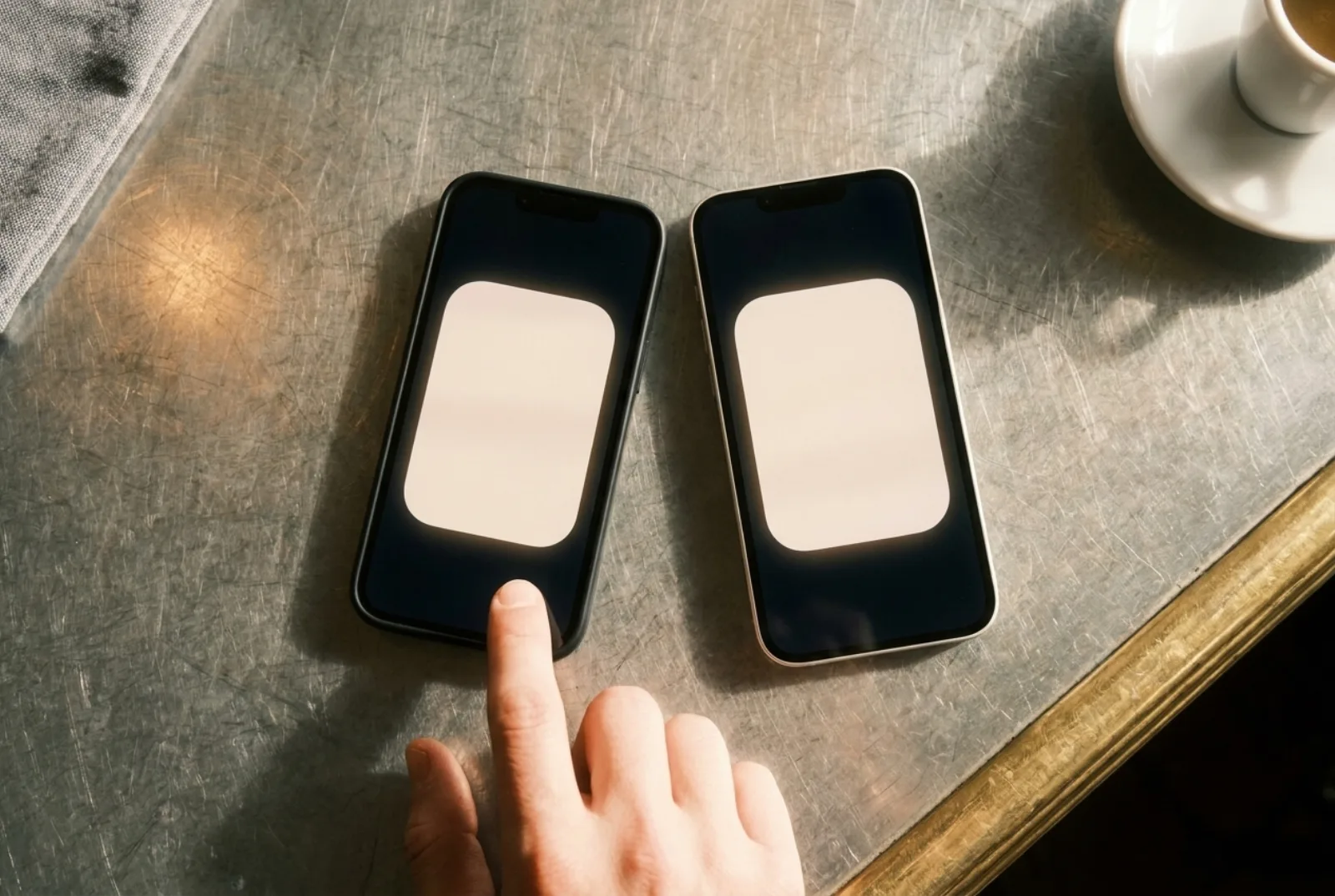
Apple Wallet is the wallet app on iPhone; Google Wallet is its equivalent on Android. Both store loyalty cards as "passes" that update themselves and can notify the customer, and from your customer’s side the gesture is the same: scan a QR code, tap "Add". The differences are under the hood (formats, notification limits, location rules), and the practical conclusion is simple: your loyalty card needs to exist in both.
The same job, two formats
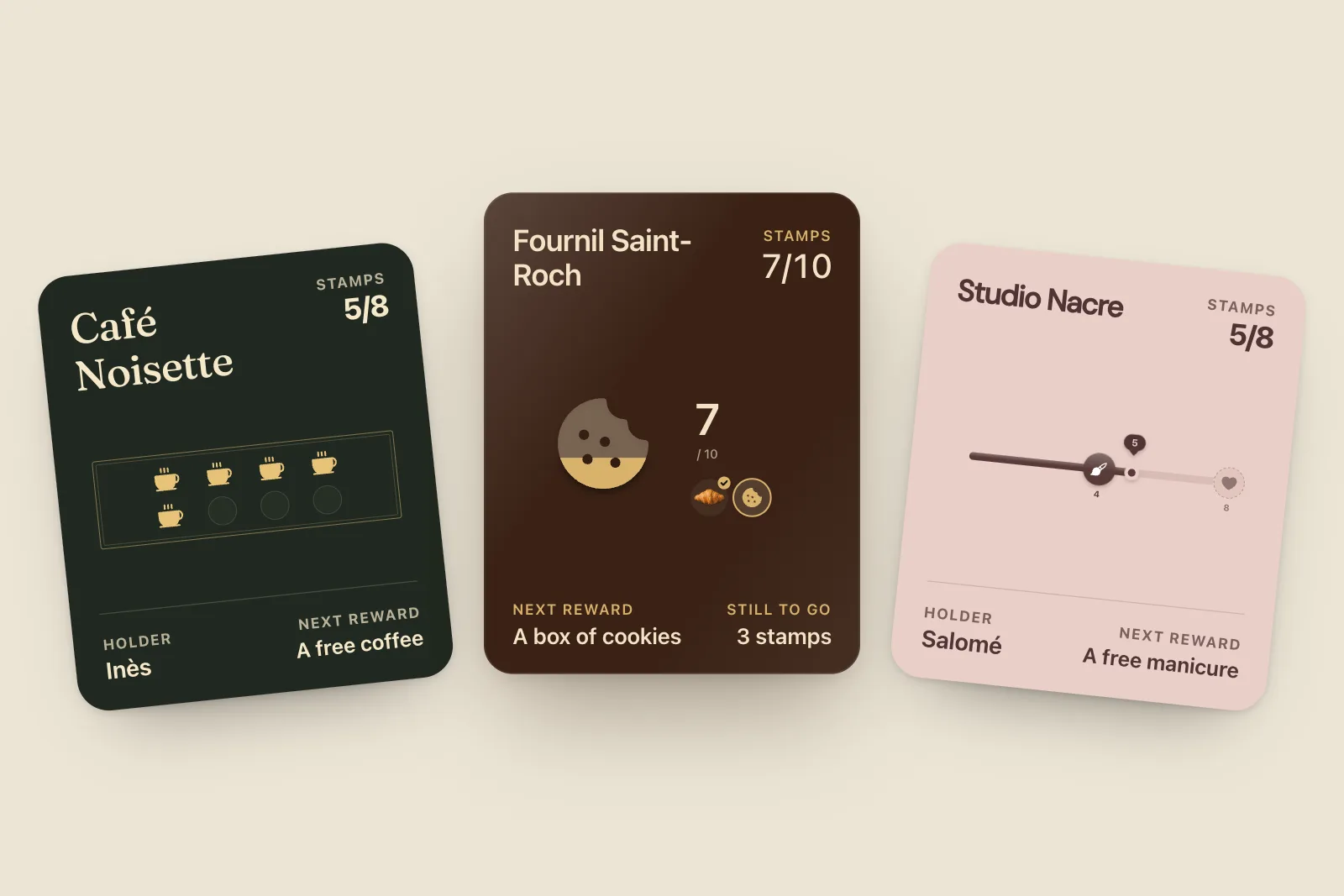
Both wallets were built for the same things: payment cards, boarding passes, tickets and loyalty cards. For loyalty, each has a dedicated format:
- Apple Wallet uses the "store card" pass style, which Apple describes as being for "business loyalty cards, gift cards, or point cards" that "can display a balance or point accumulation".
- Google Wallet has a dedicated loyalty card type, with fields for a points balance and a rewards tier.
The two formats are not interchangeable. A file built for Apple Wallet won’t open in Google Wallet, and the other way round. That’s why a loyalty tool has to generate both.
Side by side
| Apple Wallet | Google Wallet | |
|---|---|---|
| Runs on | iPhone, Apple Watch | Android phones (Android 9 or later), Wear OS |
| Name on the phone | "Wallet" ("Cartes" on a French iPhone) | "Google Wallet" |
| How the customer adds a card | Link, QR code, email or app, then "Add" | Link, QR code or app, then "Add", signed in to a Google account |
| Updates after a stamp | Yes, pushed through Apple’s servers | Yes, through Google’s API |
| Notifications | When a field changes and a change message is set | Up to 3 notifying messages per pass per 24 hours |
| Location suggestions | Up to 10 locations per pass | Up to 10 merchant locations per pass, opt-in for the user |
| Customer-made copies of barcode cards | Since iOS 27 ("Create a Pass") | From a photo of the card |
| Tap-to-earn at the counter (NFC) | Apple VAS: NFC certificate from Apple | Smart Tap: certification required |
Sources: Apple’s pass reference and field reference; Google’s notification documentation, loyalty object reference and Android requirement.
How customers add the card
On both phones the customer points the camera at your QR code, a page opens, and the phone offers its own wallet. On iPhone, Apple’s support page describes it as "Tap Add to Apple Wallet", then "Add" if asked. On Android, the link opens Google Wallet’s "Add" screen; Google’s web integration docs note the customer needs to be signed in to a Google account, which nearly every Android user already is.
With StampyWallet it’s one QR code for everyone: the page detects the phone and serves the right format. Customers with neither wallet (an old phone, a disabled app) get the same card in their browser, or by email with a PDF.
Notifications: where the two really differ
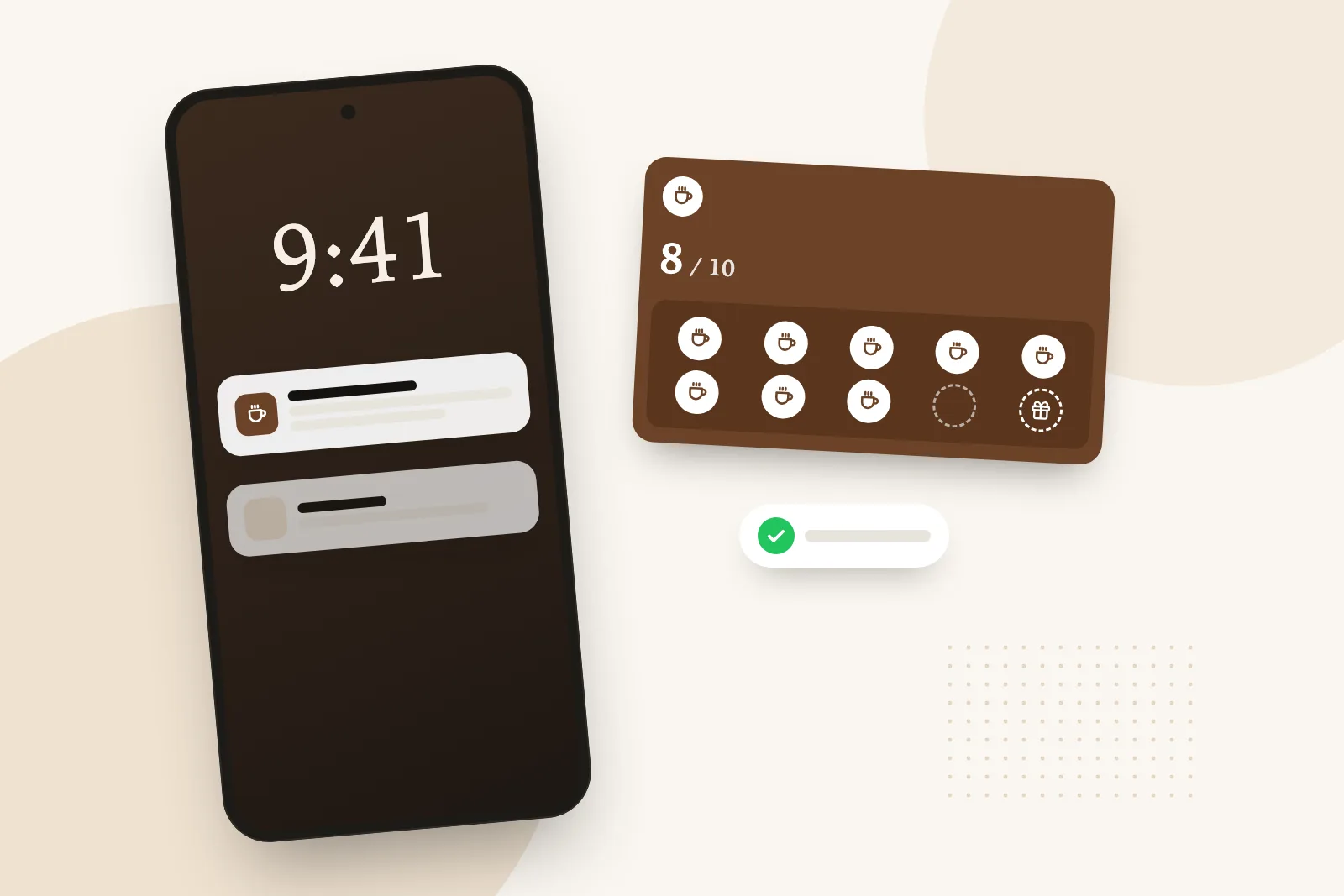
On iPhone, a notification appears when a field on the pass changes and the issuer has set a "change message" for it. Apple’s reference is explicit: "You need to provide a value for the system to show a change notification." Apple’s design guidelines also ask businesses to keep these for time-critical information, not marketing.
On Android, Google sets a hard cap: "You may send a maximum of 3 messages that trigger a push notification in a 24 hour period", and warns it may throttle issuers it considers spammy. The customer also needs notifications enabled for their passes.
For a small shop, both rules point to the same habit: few messages, each worth reading. StampyWallet limits you to one message of your own a day and holds anything due at night (9pm to 9am by default) until opening.
Location: a suggestion, not a campaign
Both wallets can surface a card near your shop. An Apple pass can carry up to 10 locations, and the iPhone may suggest the card on the lock screen if the customer has left "Suggest on Lock Screen" on. Google allows up to 10 merchant locations per pass, with a radius Google sets, and its "nearby passes" notifications are something the user opts into. In both cases the phone decides; you can’t trigger it like a message. StampyWallet cards carry your shop’s location, placed automatically from the address you give on the back of the card (you can check it in your settings). Treat it as a bonus.
Can Android users use Apple Wallet, or iPhone users Google Wallet?
No to the first: Apple Wallet only exists on Apple devices. For the second, the Google Wallet app is built for Android; iPhone users keep their cards in Apple Wallet. That’s why a loyalty program that only supports one wallet leaves part of your customers out.
How big a part depends on where you are. StatCounter’s mobile web traffic figures for September 2026 put iOS at 53.6% in the US, Android at 53.1% in the UK, and Android at 65.4% in France. Whatever the split in your street, you need both.
So if an Android customer asks how to get "Apple Wallet on Android", the honest answer is that they don’t need it: the same QR code at your counter opens Google Wallet on their phone and adds the same card, with the same stamps. A card someone shows you as an "Apple Wallet card on Android" is a screenshot or a barcode copy, which never updates.
Apple Pay and Google Pay are the payment side of these apps. The loyalty card sits next to them in the same wallet, but it is shown and scanned separately; linking the two in one tap needs certified NFC hardware. Our Apple Pay loyalty program guide explains what exists.
What about customers without a smartphone?
They exist, and they’re often your most loyal regulars. Keep paper cards for them: the two systems run side by side without trouble, and nobody is asking you to change everything overnight.
What it means for your shop
- Pick a tool that issues both formats from one QR code, at no extra cost.
- Check that cards update and notify when you stamp, on both phones. A web page dressed up as a card does neither.
- Keep messages rare and useful: the rules on both platforms reward restraint.
More detail on each side in our Apple Wallet loyalty card guide and our Google Wallet guide for Android.
Frequently asked questions
Is there Apple Wallet on Android?
No. Apple Wallet only runs on Apple devices. Android phones use Google Wallet, which supports loyalty cards in the same way.
Can one loyalty card work on both iPhone and Android?
Yes, if your tool issues both formats. With StampyWallet, the same QR code adds the card to Apple Wallet on iPhone and to Google Wallet on Android.
Which wallet sends more notifications?
Neither is designed for frequent messages. Google caps notifying messages at 3 per pass every 24 hours. Apple shows a notification when a field changes with a change message, and asks businesses to keep them for time-critical information.
Was Apple Wallet called Passbook?
Yes. Apple’s pass app launched as Passbook and was renamed Wallet. On a French iPhone it now appears as "Cartes".
Do customers need an app besides the wallet?
No. The wallet is already on their phone. They scan a QR code and tap "Add".