 Coffee shops
Coffee shop loyalty program: 10 ideas that work, with the math
How many stamps, which reward, and what a free coffee really costs you. A practical guide for independent coffee shops, with worked numbers and real research.
Some of your customers carry an Android phone. How they add your loyalty card to Google Wallet, what the card can do once it's there, and what happens when Google Wallet isn't on the phone.
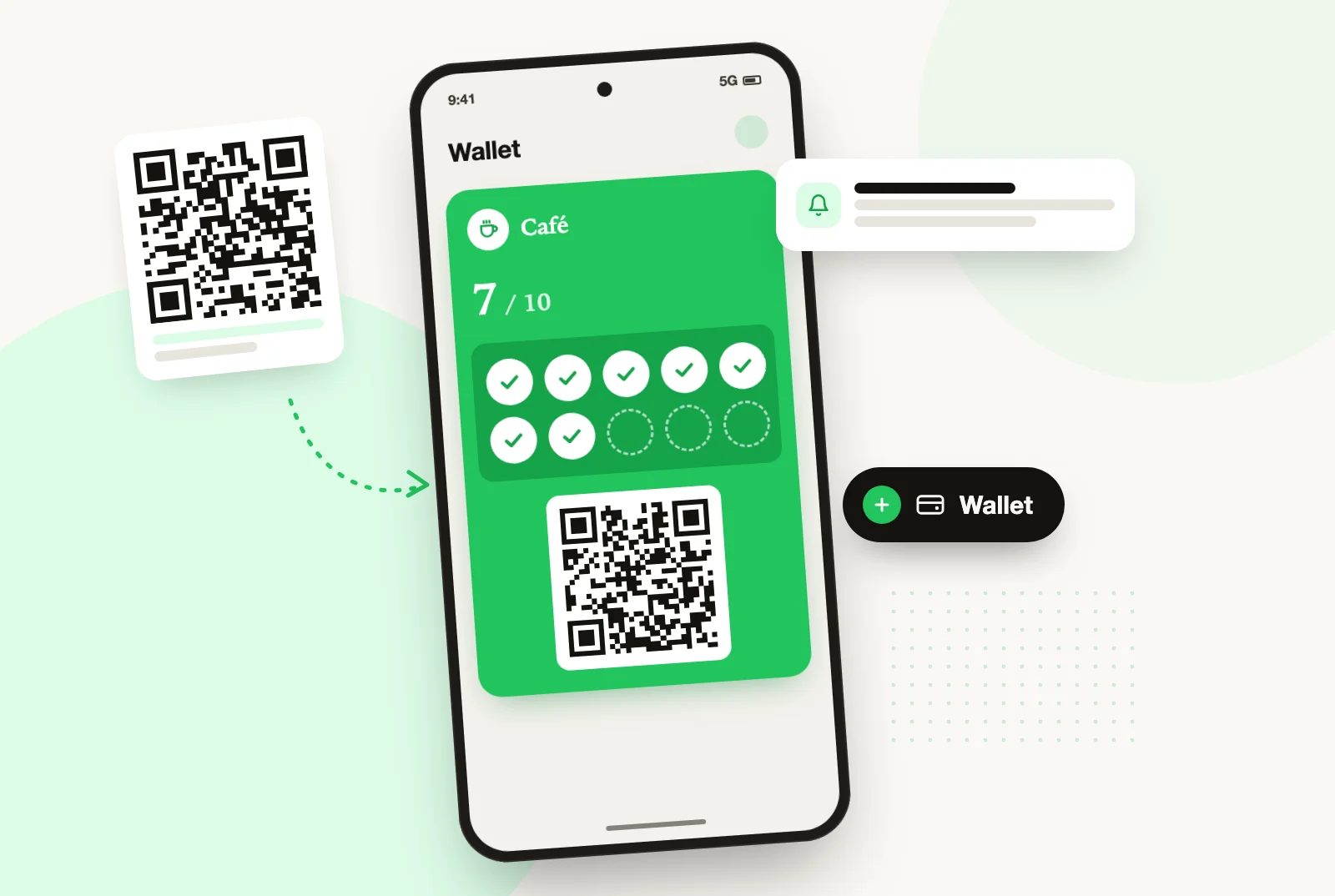
"And my Android customers, what do they do?" It’s often the first question a shop owner asks when looking at a loyalty card on a phone. Demos almost always show an iPhone, and you end up thinking the wallet is an Apple thing. It isn’t: on Android, the card goes into Google Wallet, and the gesture is the same.
This article doesn’t compare the two wallets in general; that’s covered in Apple Wallet and Google Wallet, what you need to know. It answers the practical questions on the Android side, the ones that decide whether your card works for everyone or only for half the queue.
Google Wallet is Google’s app for keeping payment cards, tickets, boarding passes and loyalty cards on an Android phone. On many Android phones it comes preinstalled; if not, it’s a free download from the Play Store.
A loyalty card takes the form of a pass: a card in your colours, with your logo, the stamp count and a QR code to scan at the counter. It’s tied to the customer’s Google account, not just to their phone. Google says as much: adding a pass can only be initiated in the context of a logged-in Google identity.
On the hardware side, Google states that Google Wallet requires Android 9 or higher. In other words, almost every phone you’ll see at your counter today.
It takes three gestures, and it’s the same QR code as for iPhones:
No app from your shop to download, no account to create with you, no password. The customer uses the Google account already on their phone.
Nothing specific to Android. The list is the same as for Apple Wallet:
You don’t have to open a Google developer account or sign anything in a console. That’s the tool’s job. With StampyWallet, both wallets are included in the subscription, with no add-on and no surcharge.
If you’re starting from scratch, the step-by-step guide is in An Apple Wallet loyalty card: the ten-minute setup guide. The five steps apply to Android too: only the customer’s last tap lands in a different app.
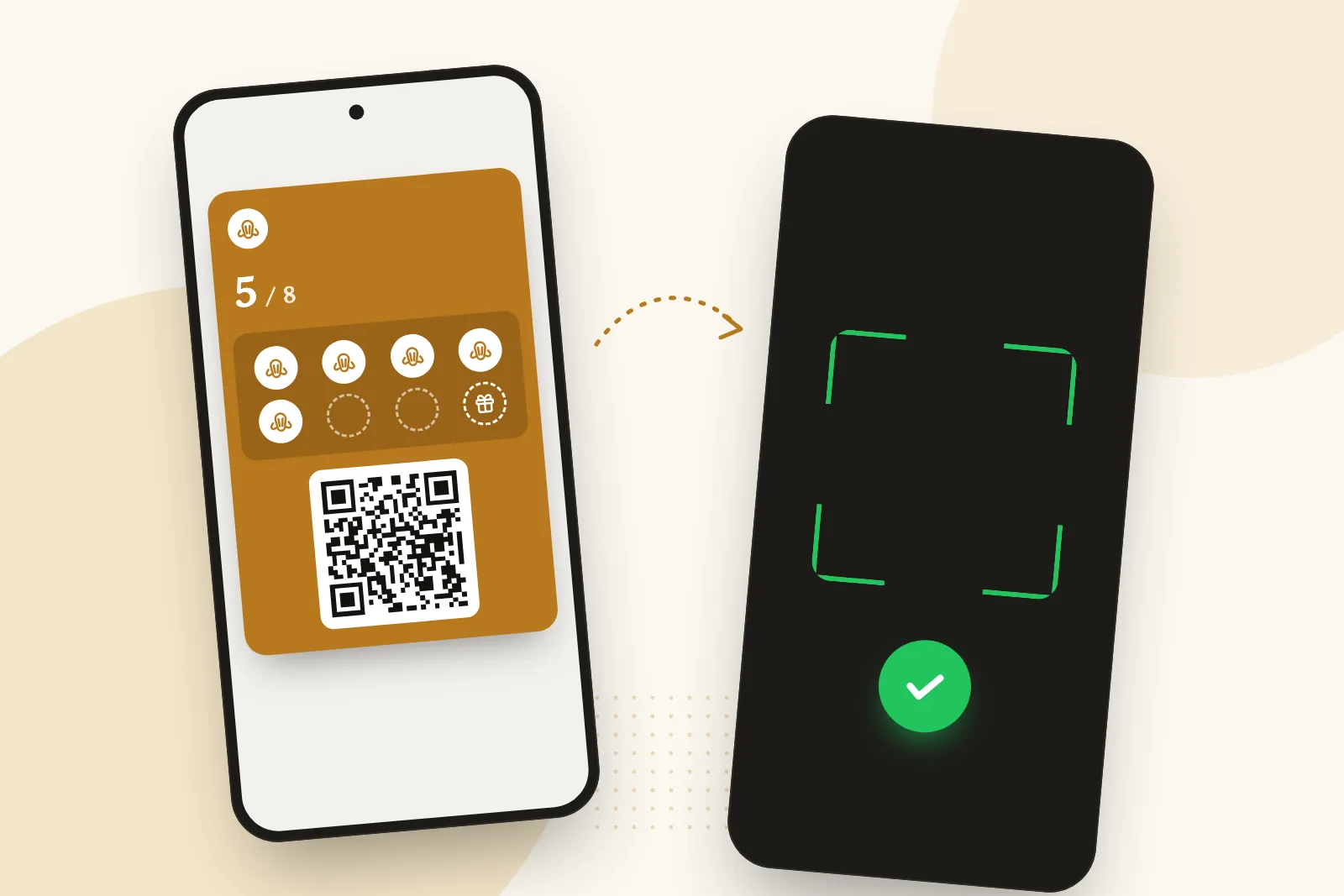
The customer opens Google Wallet, taps your card and holds it out. You scan it from your phone, the screen shows who you have in front of you and where they stand, and you confirm.
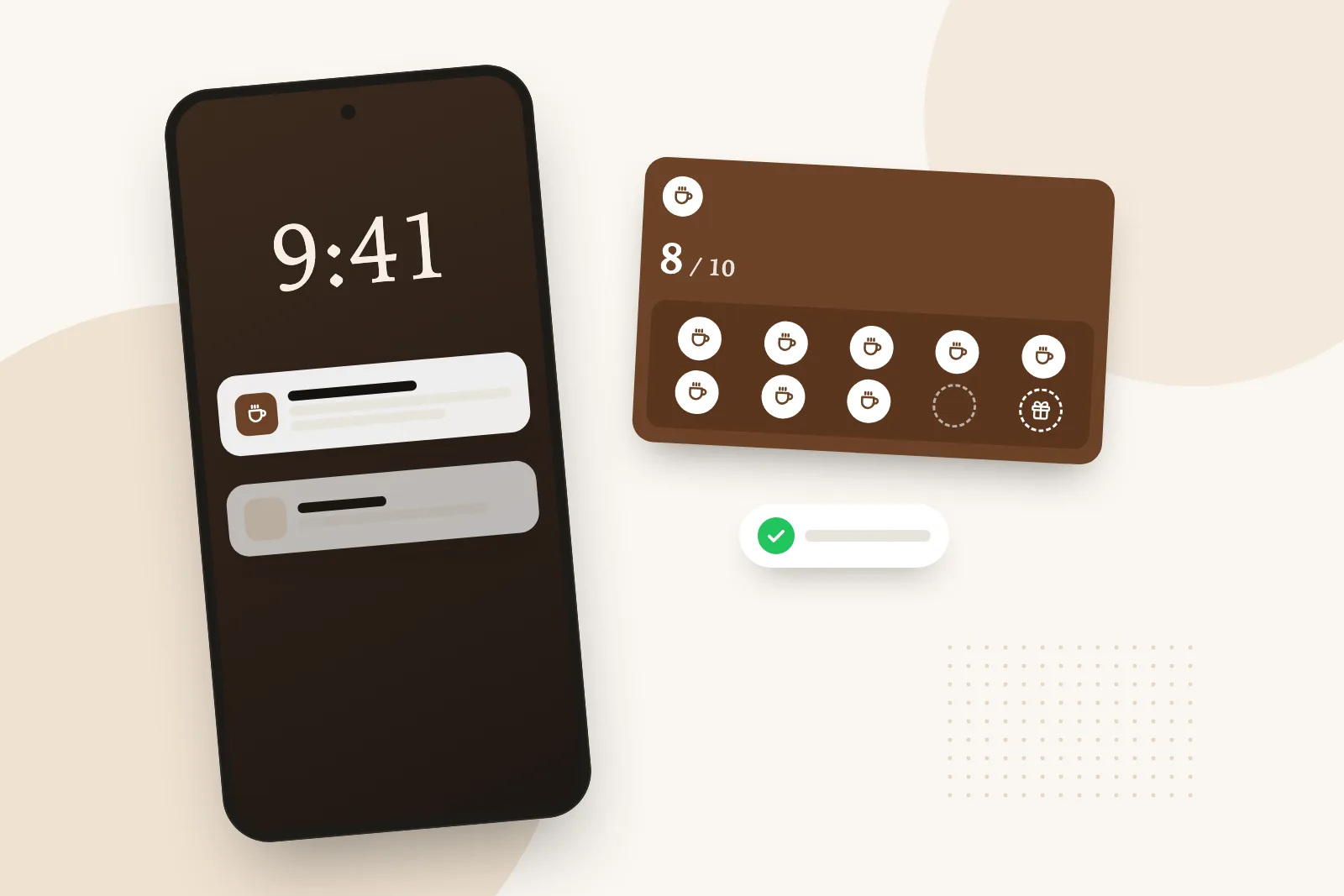
The stamp lands on the card in their phone without them reopening anything. Google calls this a pass update: the installed card changes by itself when you stamp, when you change your logo or colour, or when a reward is ready.
Stamps, tiers or points: all three modes work the same way on Android and on iPhone.
This is the real reason to move to the wallet: the card lets you write to your customers. A nudge when they’re one stamp away, a word to those who haven’t been in for thirty days, a message to everyone on a quiet Tuesday, or their birthday gift.
On Android, the message is added to the card in Google Wallet, and Google Wallet flags it with a notification. Two of Google’s rules are worth knowing:
That cap is good news, really. It protects your customers from overly chatty brands, and with it the trust they place in the cards in their wallet, yours included.
For you, the tool is the same and so is the counter. For the customer, a few details change:
None of these differences asks anything of you.
There are three cases, and none of them means keeping paper cards for everyone.
Google Wallet isn’t installed. Google then prompts the customer to download the app to finish adding the card. It’s free and takes a minute, but some people would rather not do it at the counter.
The phone has no Google services, or it’s too old. It’s rare, but it happens.
The customer simply doesn’t want a wallet.
For all three, the sign-up page offers a third door: get the card by email. The customer types their address and receives the card as a PDF, with a link to its web version. It opens in the browser, with the same QR code you scan at the counter and the same stamps. And if they install Google Wallet later, the web card offers to move the card into it.
One limit, to be upfront about it: the web card has no lock screen. Messages don’t reach it. It’s a safety net, not the main version.
And the email address is only used to send the card: it isn’t stored.
There’s also a Network plan, from $129 a month before tax (£79 in the UK, €90 in Europe), which gives every location everything in Growth. Paid yearly, two months are free. Customers are unlimited on every plan, team accounts too, and the data is hosted in France.
And if you stop the subscription, the cards already in people’s phones keep working. Your Android customers aren’t left with a dead card in their Google Wallet.
Yes. On Android it goes into Google Wallet, the counterpart of Apple Wallet. The customer scans the same QR code as an iPhone customer and taps "Add".
No. One QR code is enough: the page recognises the phone and offers Google Wallet first on Android, Apple Wallet first on iPhone.
Not an app from your shop. They only need Google Wallet, which comes preinstalled on many Android phones and is free on the Play Store. If they’d rather not install it, they can get their card by email.
Yes, if they’ve left notifications for their passes switched on in Google Wallet. Google limits these notifications to three per pass per 24 hours, which leaves plenty of room for a weekly message.
The card is saved to their Google account. By signing in to the same account on the new phone, they get it back with their stamps.
They open "Or get your card by email" on the sign-up page. They receive the card as a PDF and a link to its web version, which they show at the counter like a wallet card. The one difference: messages don’t reach it.
Yes. Google Wallet is included in every plan, just like Apple Wallet. You stamp from your own phone, whether it’s an iPhone or an Android.
Coffee shops
How many stamps, which reward, and what a free coffee really costs you. A practical guide for independent coffee shops, with worked numbers and real research.
 Bakeries
Which reward to give, how many stamps to ask for and what it really costs: a bakery loyalty card that survives the morning rush, on paper or in the phone.
 Guide
Guide
Apple Pay has no loyalty program for your shop, and one-tap loyalty needs certified NFC hardware. What really exists in 2026, and what works at a small counter.