 Coffee shops
Coffee shop loyalty program: 10 ideas that work, with the math
How many stamps, which reward, and what a free coffee really costs you. A practical guide for independent coffee shops, with worked numbers and real research.
Your loyalty card can now be designed, costed and managed from an AI assistant. What it can do, how to connect it, and what it will never do without your say-so.
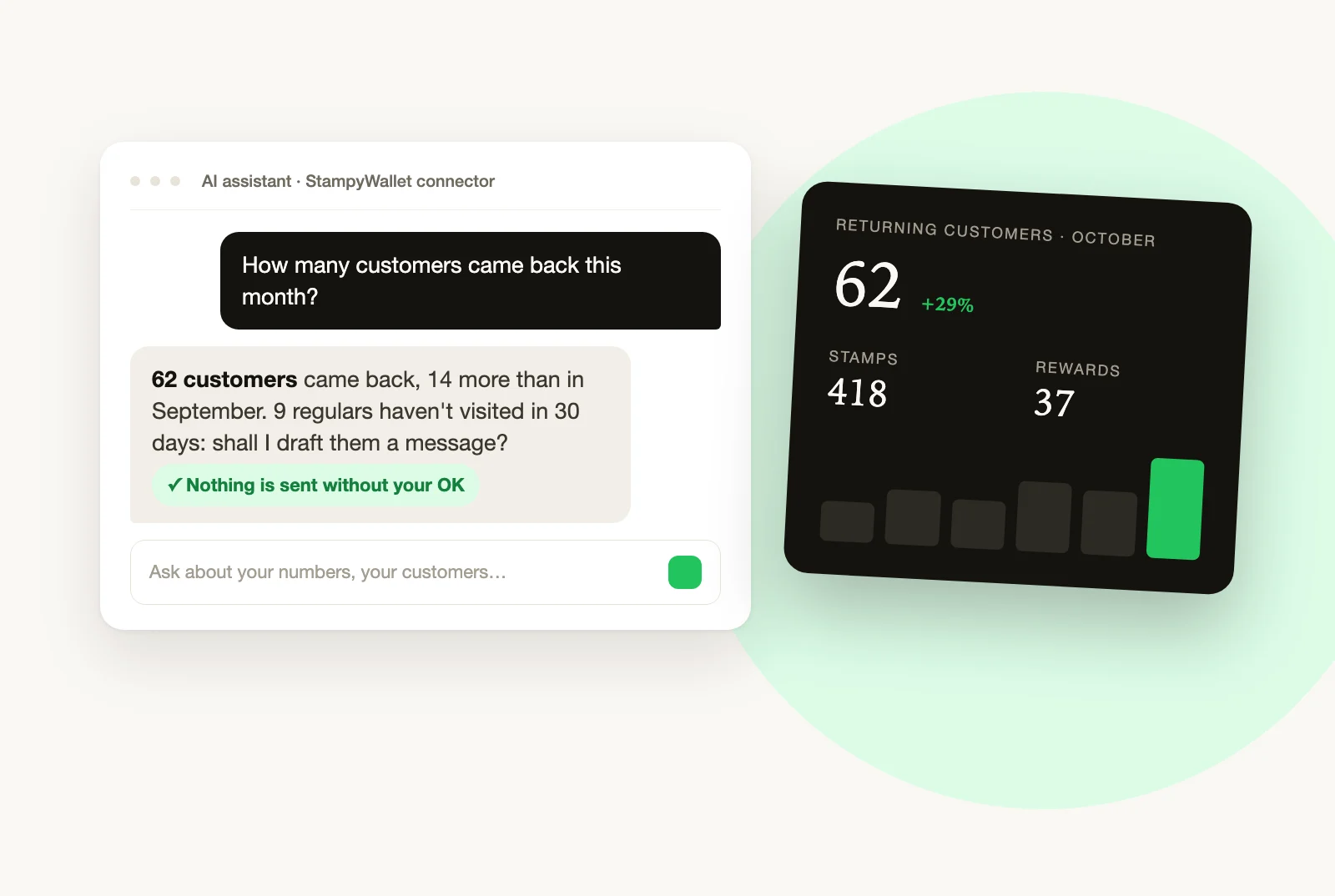
You already ask an AI assistant to draft an Instagram caption or reply to a tricky email. Now it can open your StampyWallet: check your numbers, find a customer by first name, draft a message for the regulars who stopped coming in. You ask in plain words, the way you’d ask a business partner, and the answer comes from your real data.
MCP (Model Context Protocol) is an open standard that lets an AI assistant use a piece of software on your behalf, with your permission. In practice, StampyWallet publishes a list of actions ("show the dashboard", "find a customer", "prepare a message") and the assistant picks the right one as you talk.
You don’t need to learn anything about the protocol. What matters: the same entry point works in Claude today, and in the other assistants adopting the standard.
Nineteen actions, in three circles depending on what you open up.
Every action that changes something works in two steps. The first call only produces a preview: the message as it will be received, the card as it will look, the number of customers affected. The change only happens once you explicitly confirm in the conversation.
When you connect, you choose the shop and can restrict access to read-only. In that case the assistant sees your numbers but can’t even prepare a preview of a change.
Your customers' email addresses, phone numbers, birthdays and card identifiers are never sent to the assistant. It works with first names and visit histories, not contact details.
StampyWallet doesn’t ask for your conversation history, the assistant’s memory or your files either. And the assistant gets nothing you don’t have: the same role and plan rules apply as in the app. A staff member stays a staff member, and a Growth plan feature stays in the Growth plan.
For another MCP-compatible assistant, add the same address in its connector settings. StampyWallet is under review for both the Claude and ChatGPT directories. Until they’re listed, adding it by address already works.
To cut access: Settings → Assistants in StampyWallet. Revocation is immediate.
How did last month go compared with the one before, and which regulars haven’t come back?
Draft a message for customers who haven’t visited in 30 days, offering a free croissant this weekend. Don’t send it yet.
What’s my best day of the week, and at what time?
You’ll notice the difference quickly: the question you never had time to ask the dashboard, you now ask while waiting for the next customer.
No. The connector is included in StampyWallet. You do need an assistant that accepts custom connectors, which depends on your plan with Claude or the other provider.
No. It prepares a preview, shows it to you, and only sends after your explicit confirmation. In read-only mode it can’t even prepare the preview.
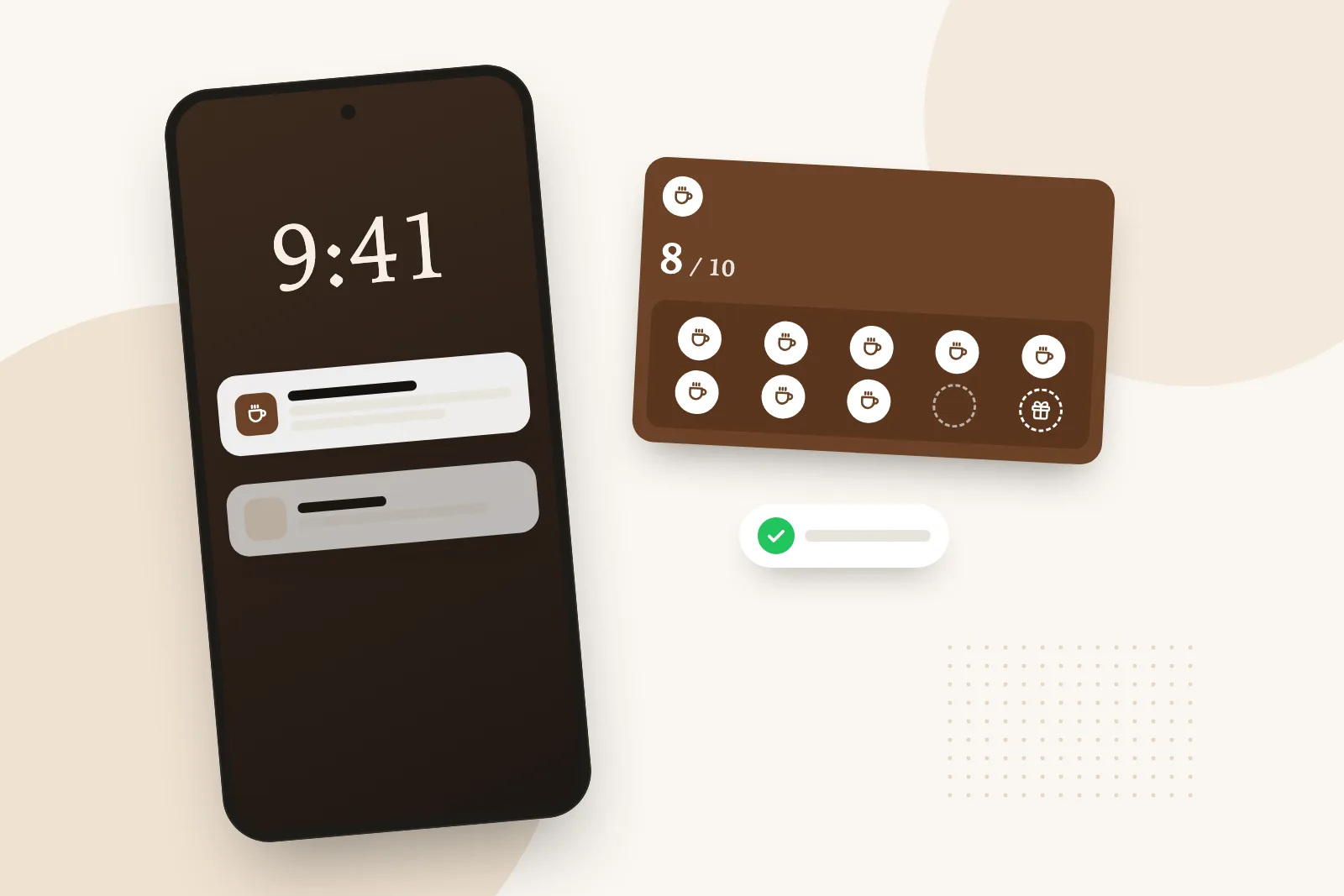
Nothing. Their card stays in Apple Wallet or Google Wallet, and messages land on their lock screen as before.
No. Emails, phone numbers, birthdays and card identifiers are excluded from responses. The assistant sees first names and visit histories.
In StampyWallet, Settings then Assistants: revoke access, it takes effect immediately. Whatever the assistant already displayed stays in your conversations, under your assistant’s own retention rules.
Yes, with their role’s permissions. Team management stays with the owner, in the assistant just as in the app.
Coffee shops
How many stamps, which reward, and what a free coffee really costs you. A practical guide for independent coffee shops, with worked numbers and real research.
 Bakeries
Which reward to give, how many stamps to ask for and what it really costs: a bakery loyalty card that survives the morning rush, on paper or in the phone.
 Guide
Guide
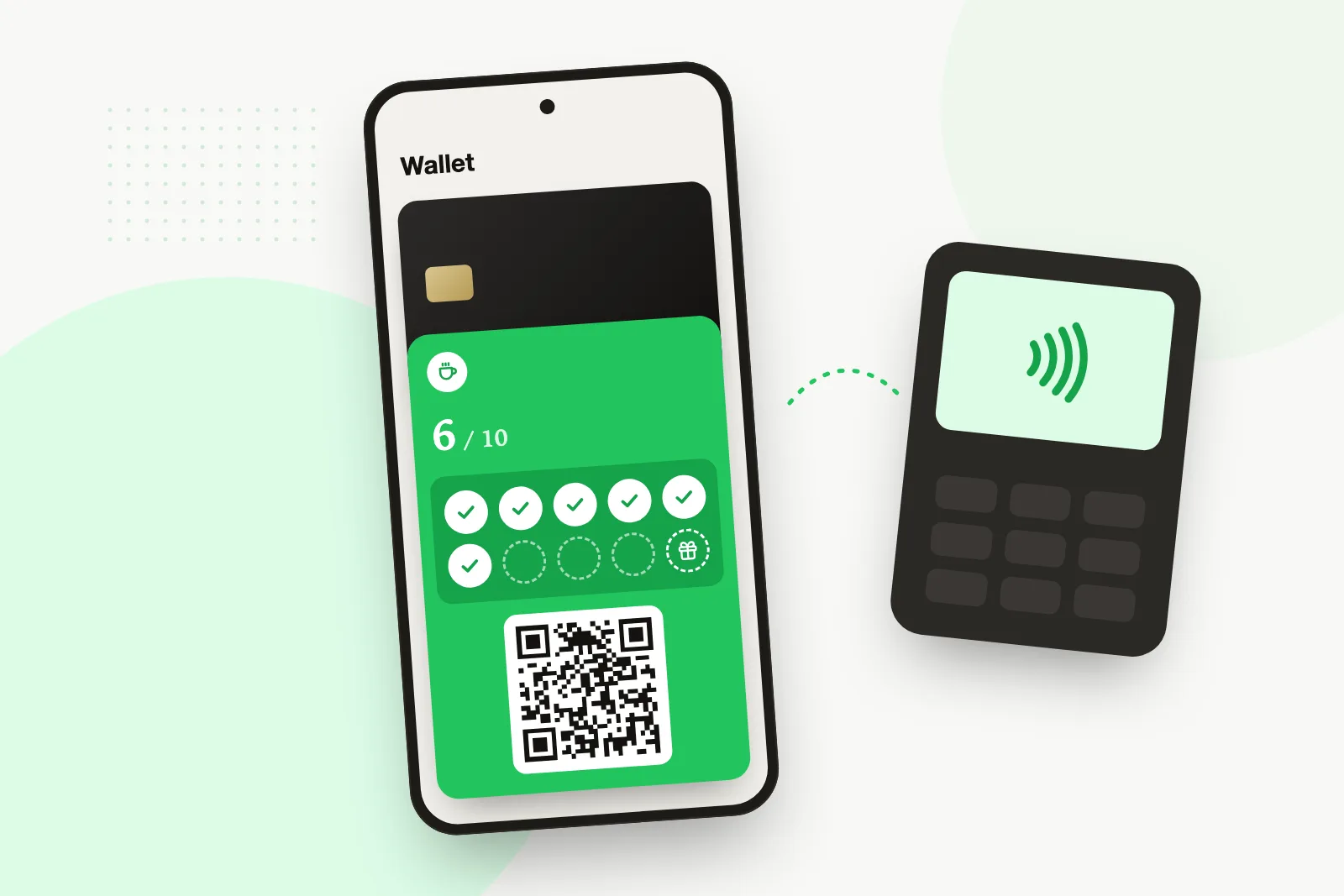
Apple Pay has no loyalty program for your shop, and one-tap loyalty needs certified NFC hardware. What really exists in 2026, and what works at a small counter.